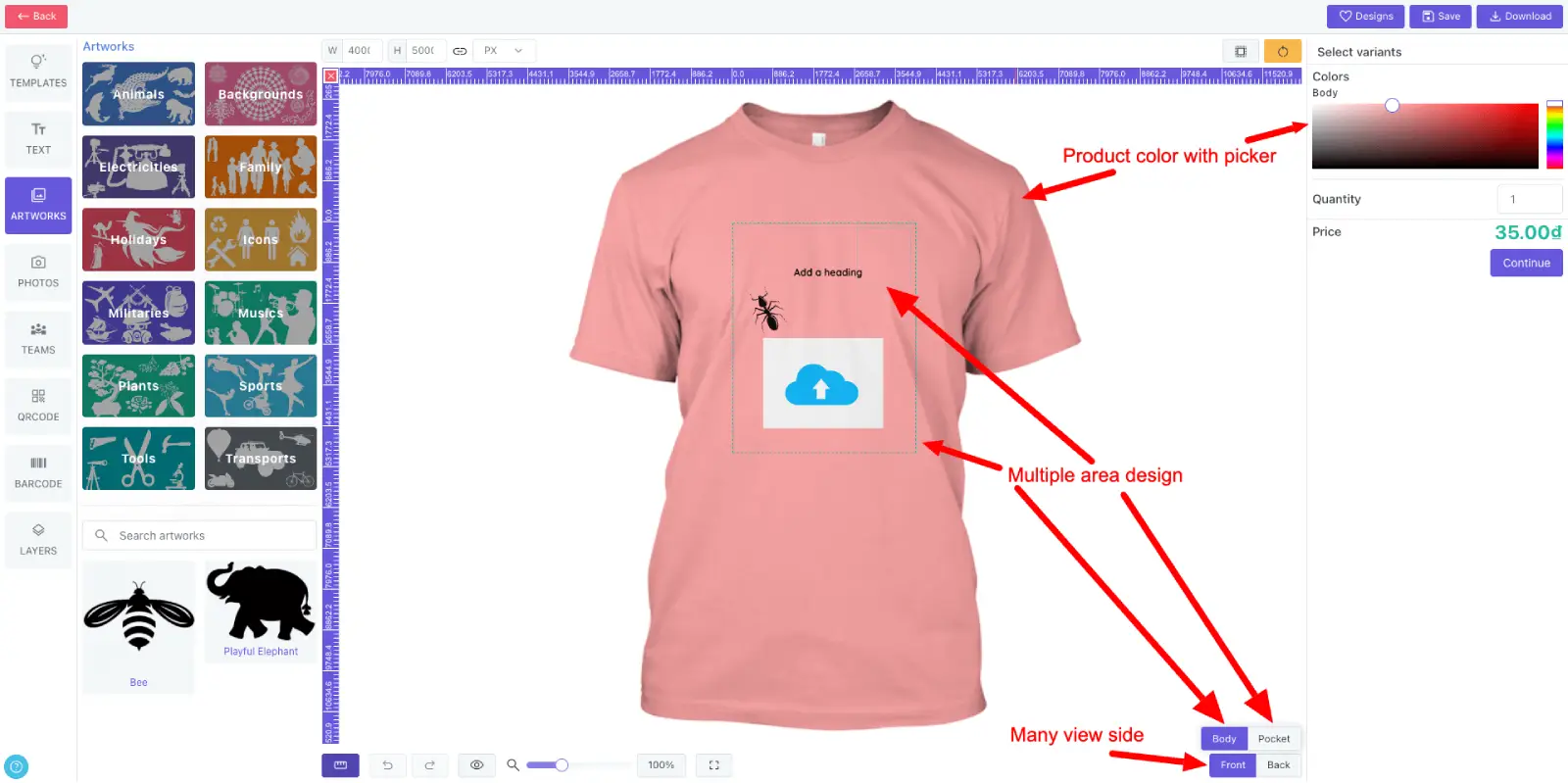
Multiple area design
Support multiple product sides and allow customers to add extra views when the product workflow needs them.
Create several editable design areas on one side so shoppers can personalize precise product zones.
Let customers preview product colors with an intuitive color picker.
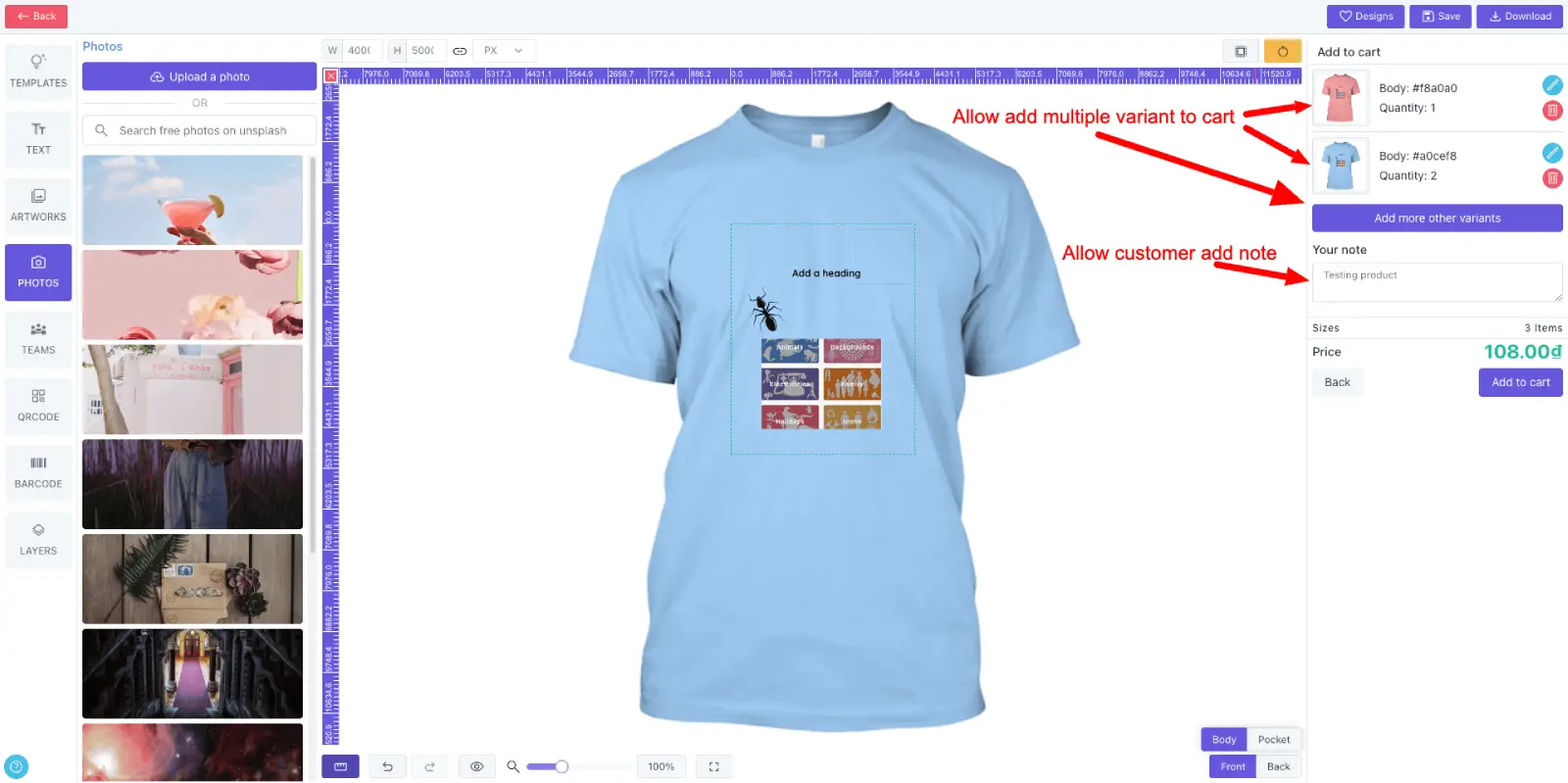
Add variants to cart
Add the same design to cart across different variants such as color, material or size.
Save customer production notes so print teams receive the details they need.
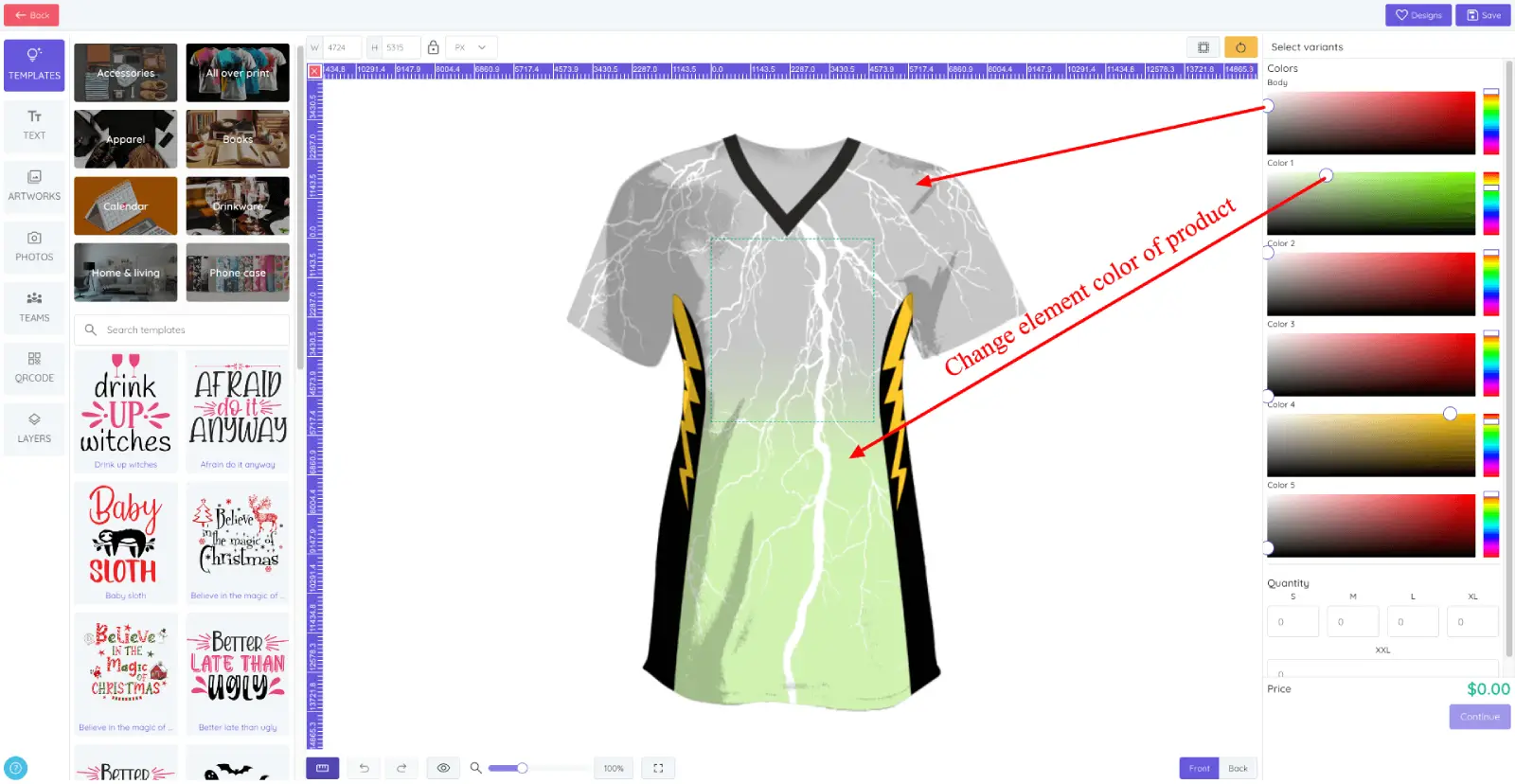
Elements color
Customers can change editable product element colors and see the result immediately in the preview.
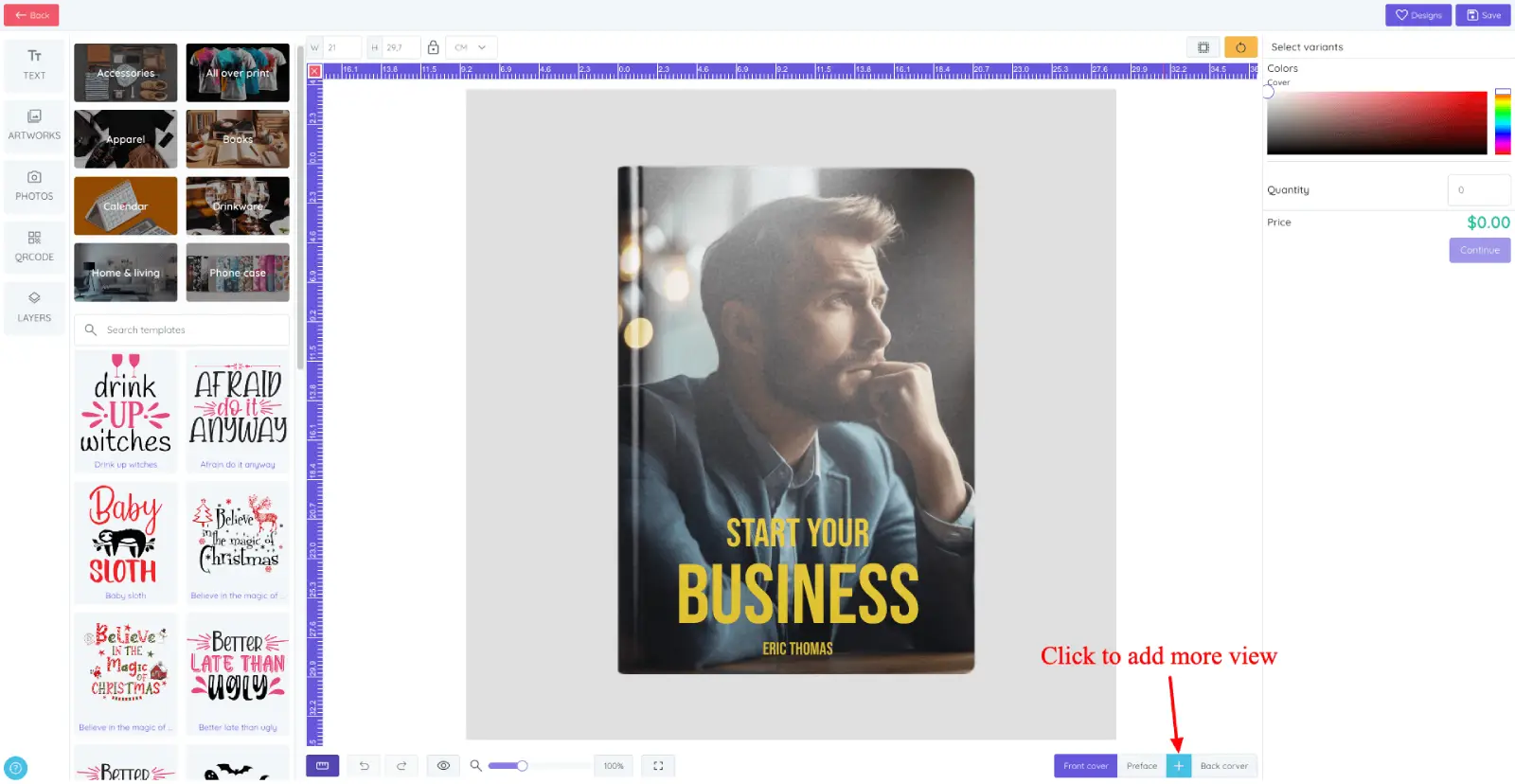
Add custom view
Allow customers to add custom views when products need extra pages, sides or personalized surfaces.
Useful for products such as books, cards, multi-panel gifts and other items with multiple printable areas.
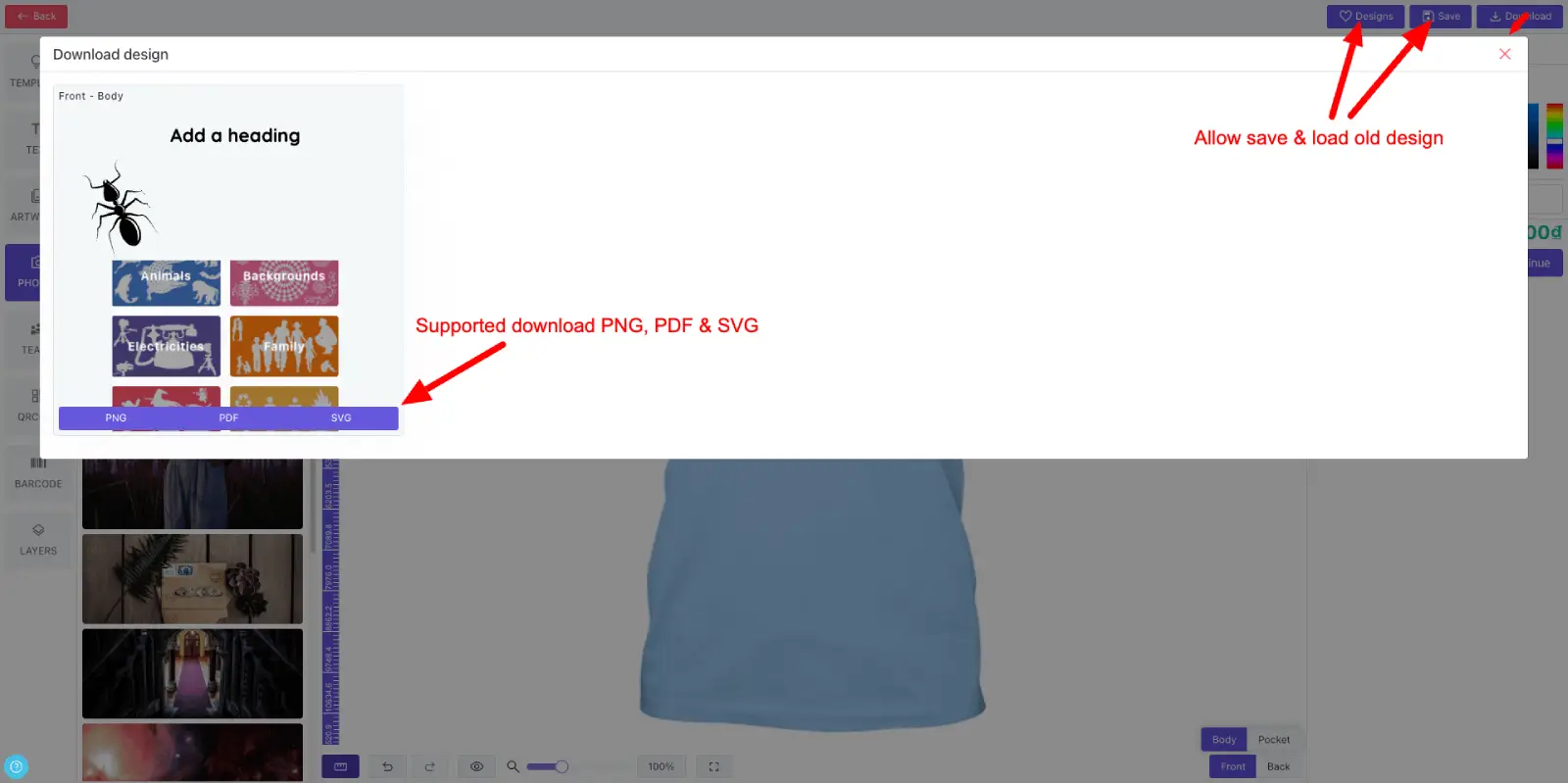
Save & download
Customers can save designs and return later to continue editing.
Allow downloads as PDF, SVG or 300 DPI PNG depending on your license and workflow.
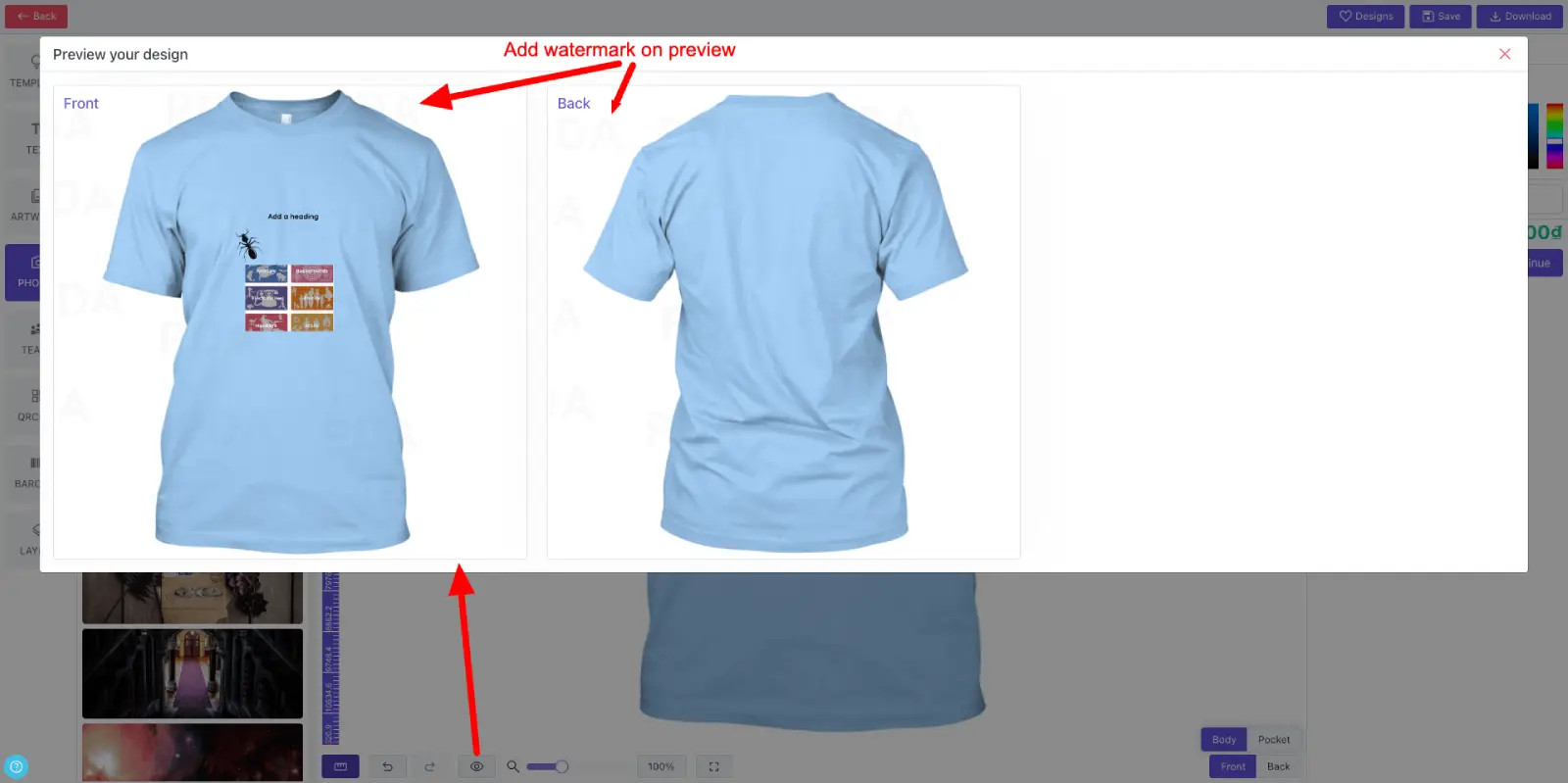
Preview with watermark
Add a watermark to customer previews to protect design assets before purchase.
Watermarks are also applied to preview thumbnails saved from the browser.
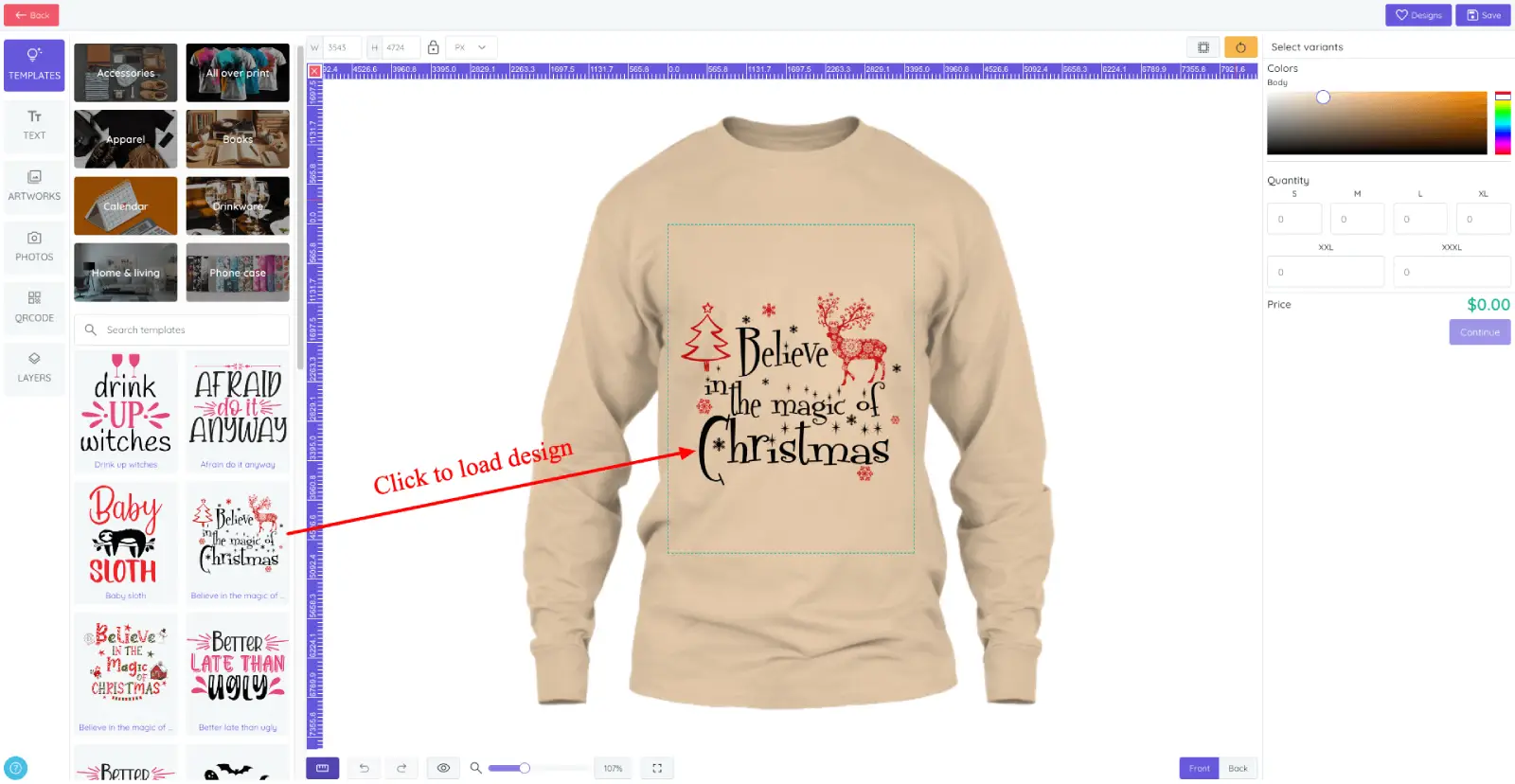
Design templates
Display design templates by category so shoppers can start from ready-made layouts.
Automatically fit templates to the configured design area for a faster first step.
Let customers edit imported templates before adding the product to cart.
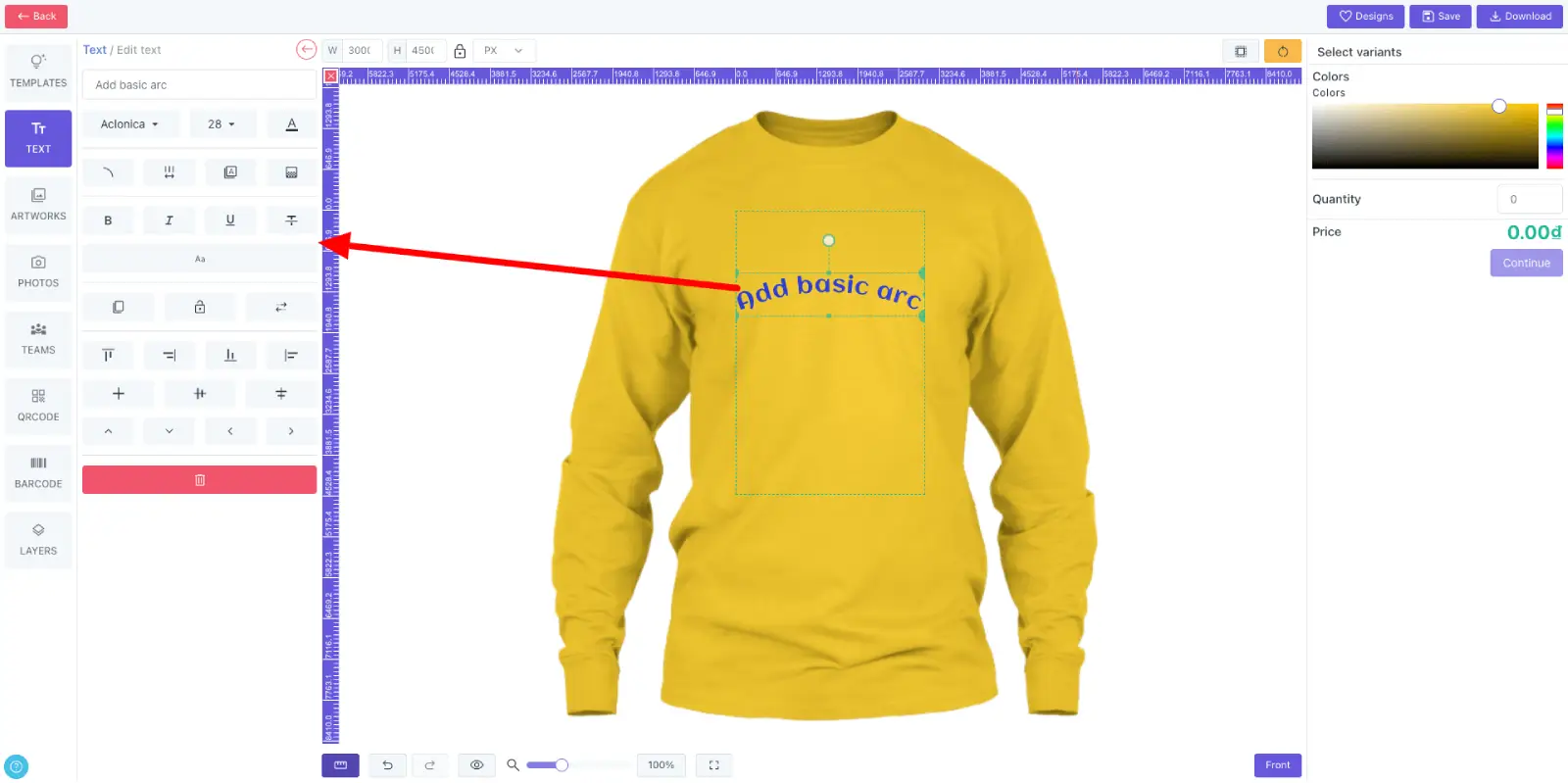
Text
Add headings, standard text, arc text or reusable text templates.
Control font, size, color, style, alignment, spacing, outline, transparency, flip and other text settings.
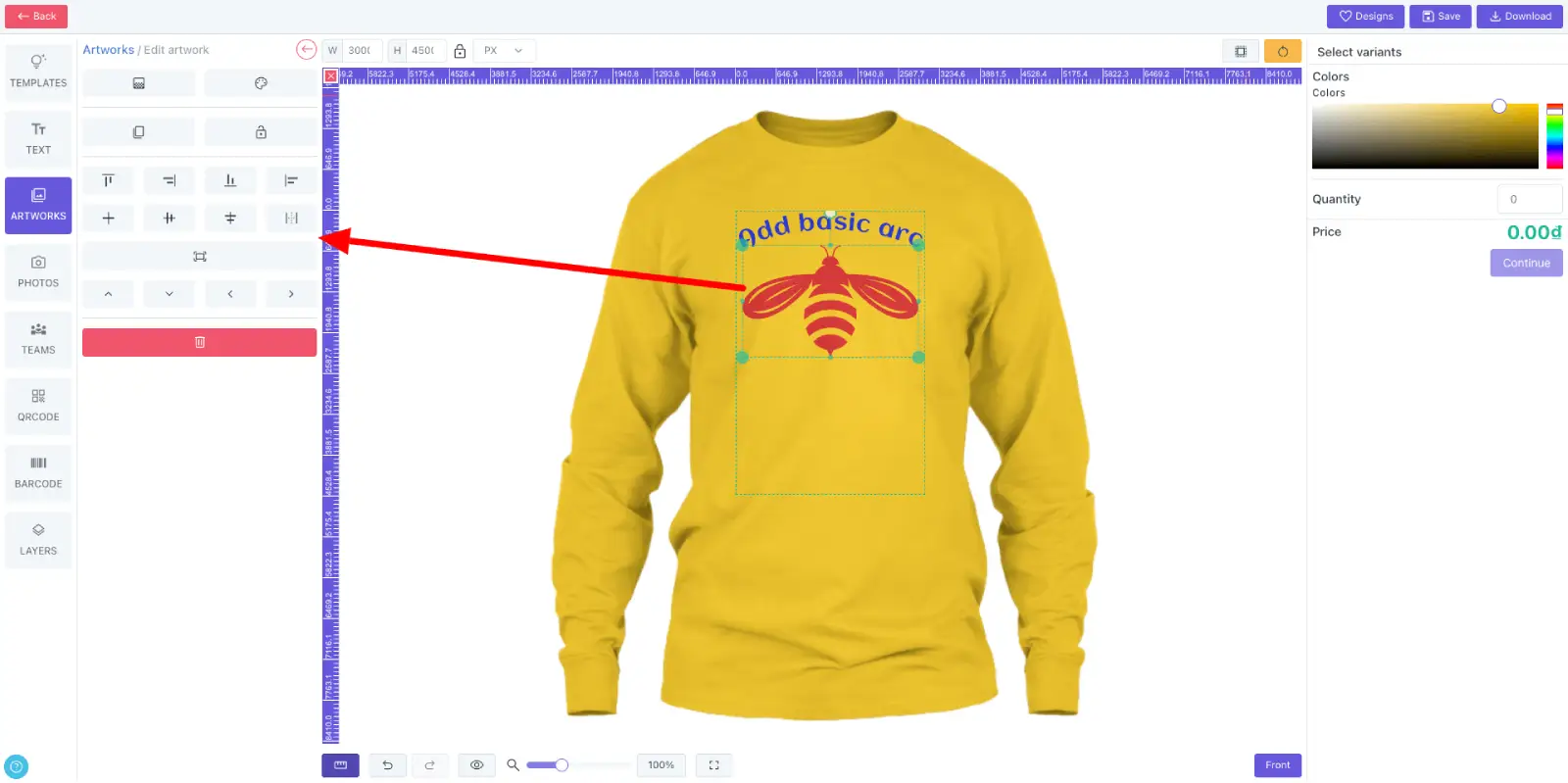
Artwork
Show artwork by category so customers can browse graphics quickly.
Adjust size, alignment, fit, transparency and flip settings. SVG artwork can also support editable colors.
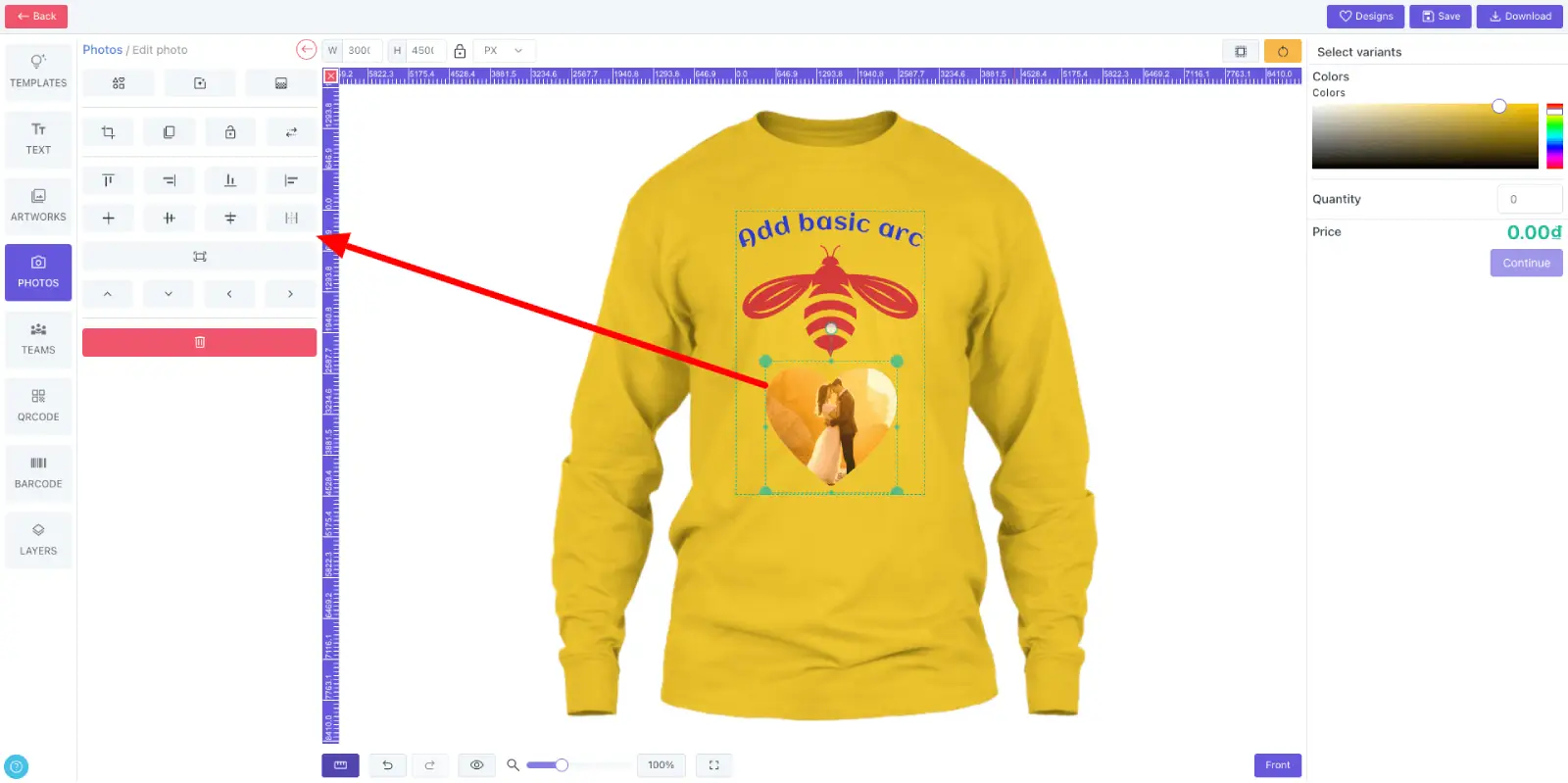
Photo
Let customers upload photos or choose from a photo library.
Resize, crop, mask with shapes, apply filters, align, fit, adjust transparency and flip images.
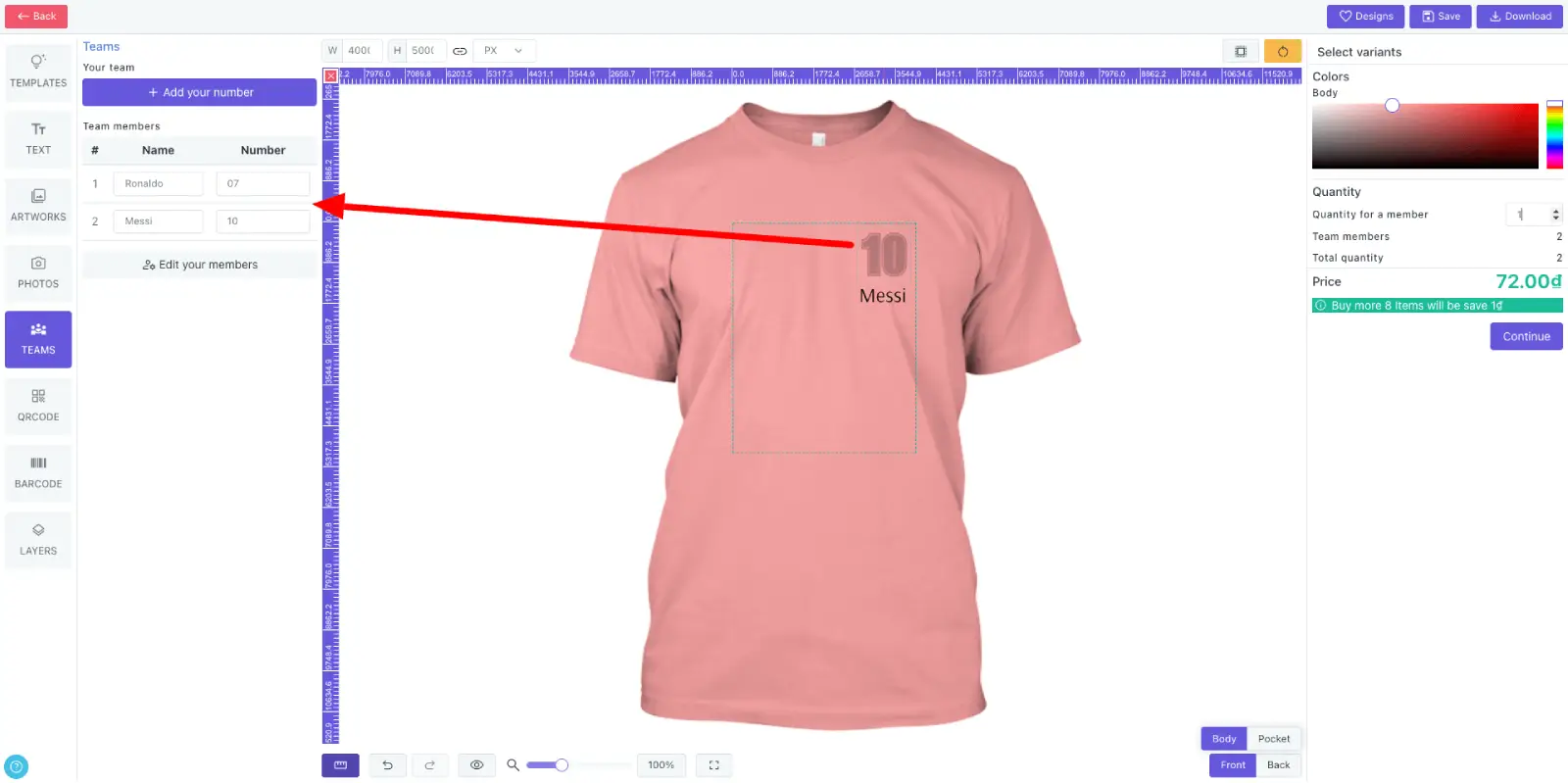
Team & number
Add team names and numbers for uniforms, jerseys and group orders.
Customize font, size, color, style, alignment, spacing, outline and transparency like standard text.
Set size and quantity for each team member before checkout.
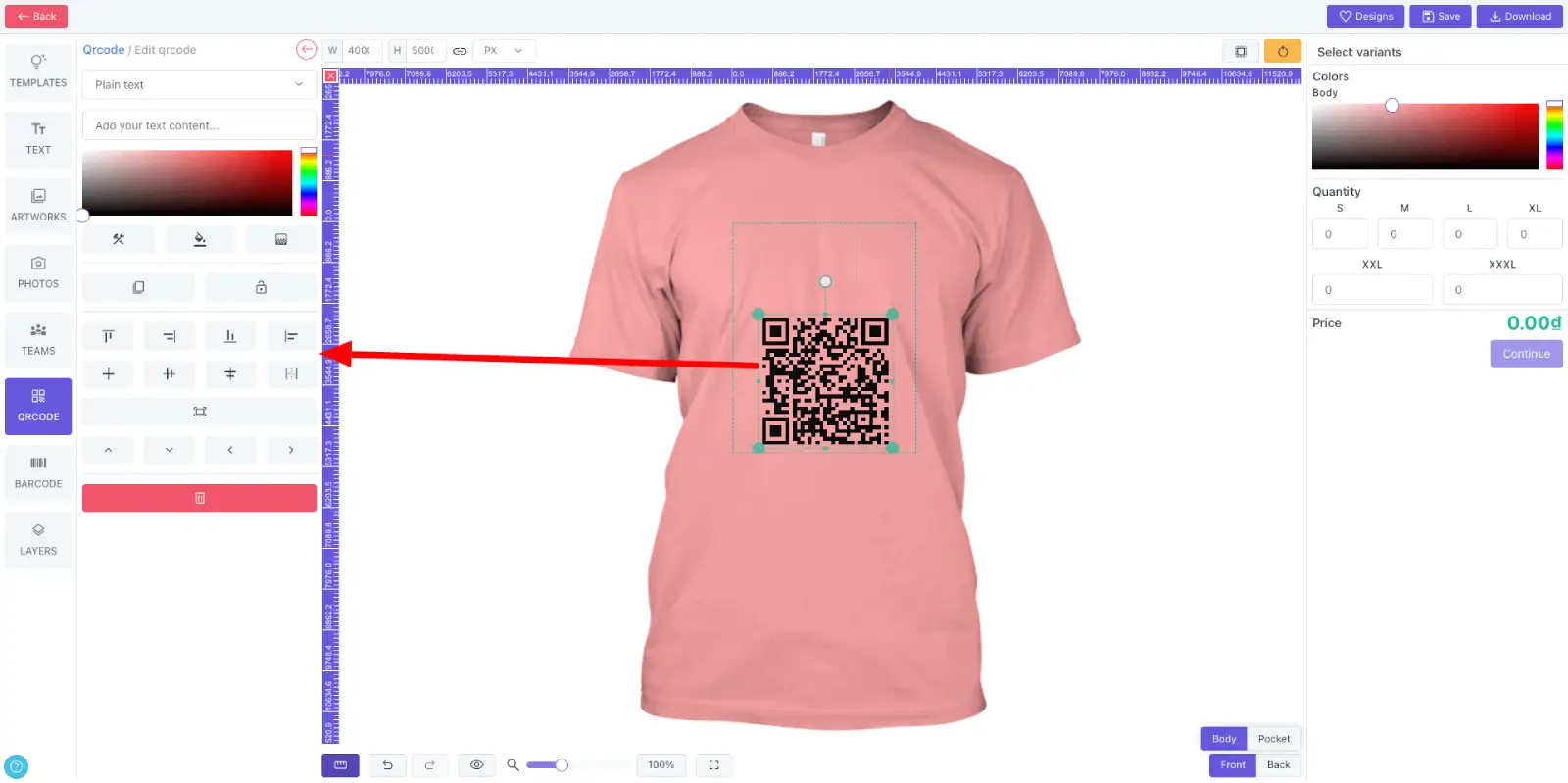
Qrcode
Add QR codes directly inside the product design.
Configure QR content, color, background, alignment, fit and transparency.
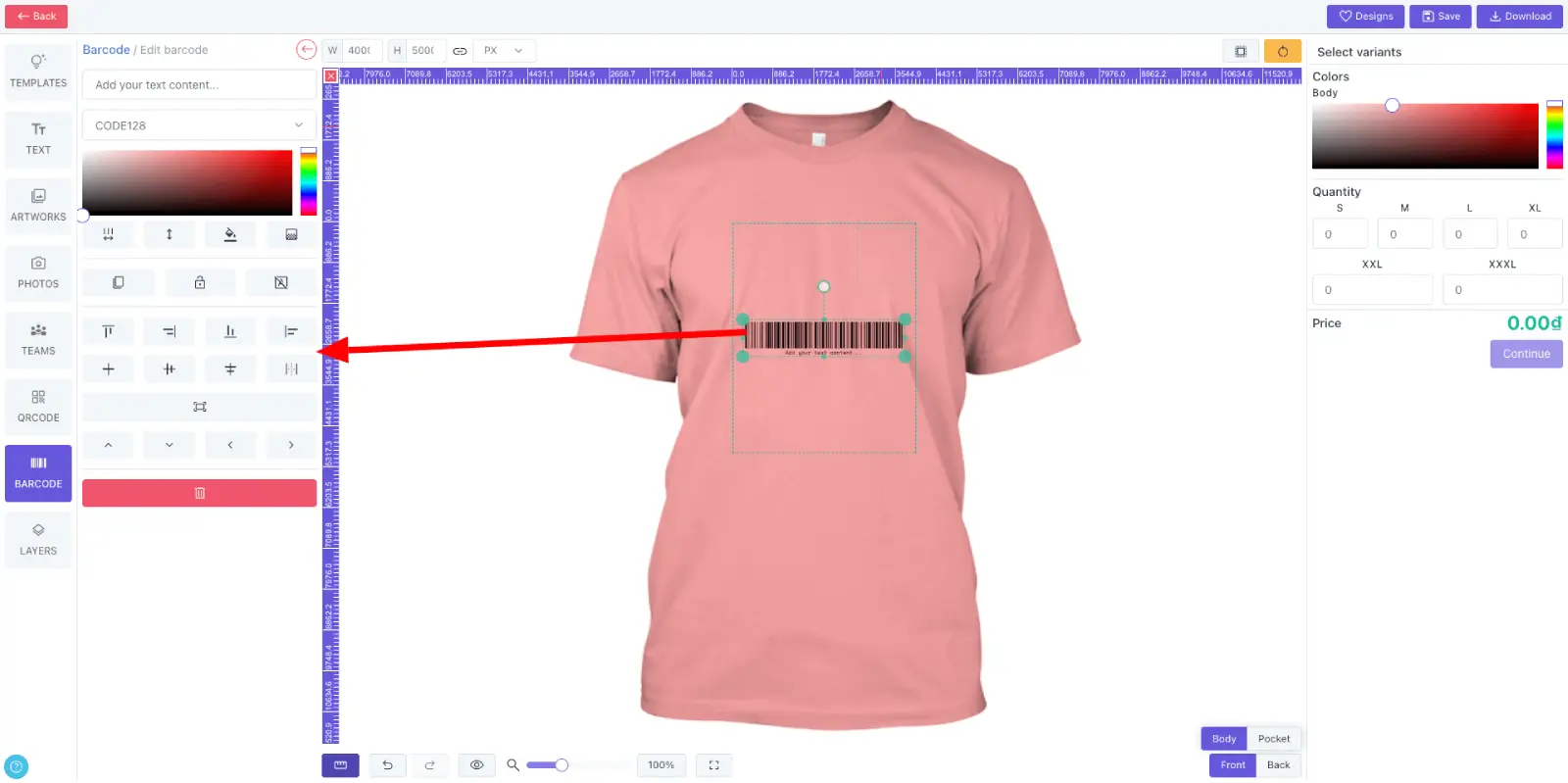
Barcode
Add barcodes for labels, packaging, merchandise and operational products.
Configure barcode type, content, color, background, alignment, fit and transparency.
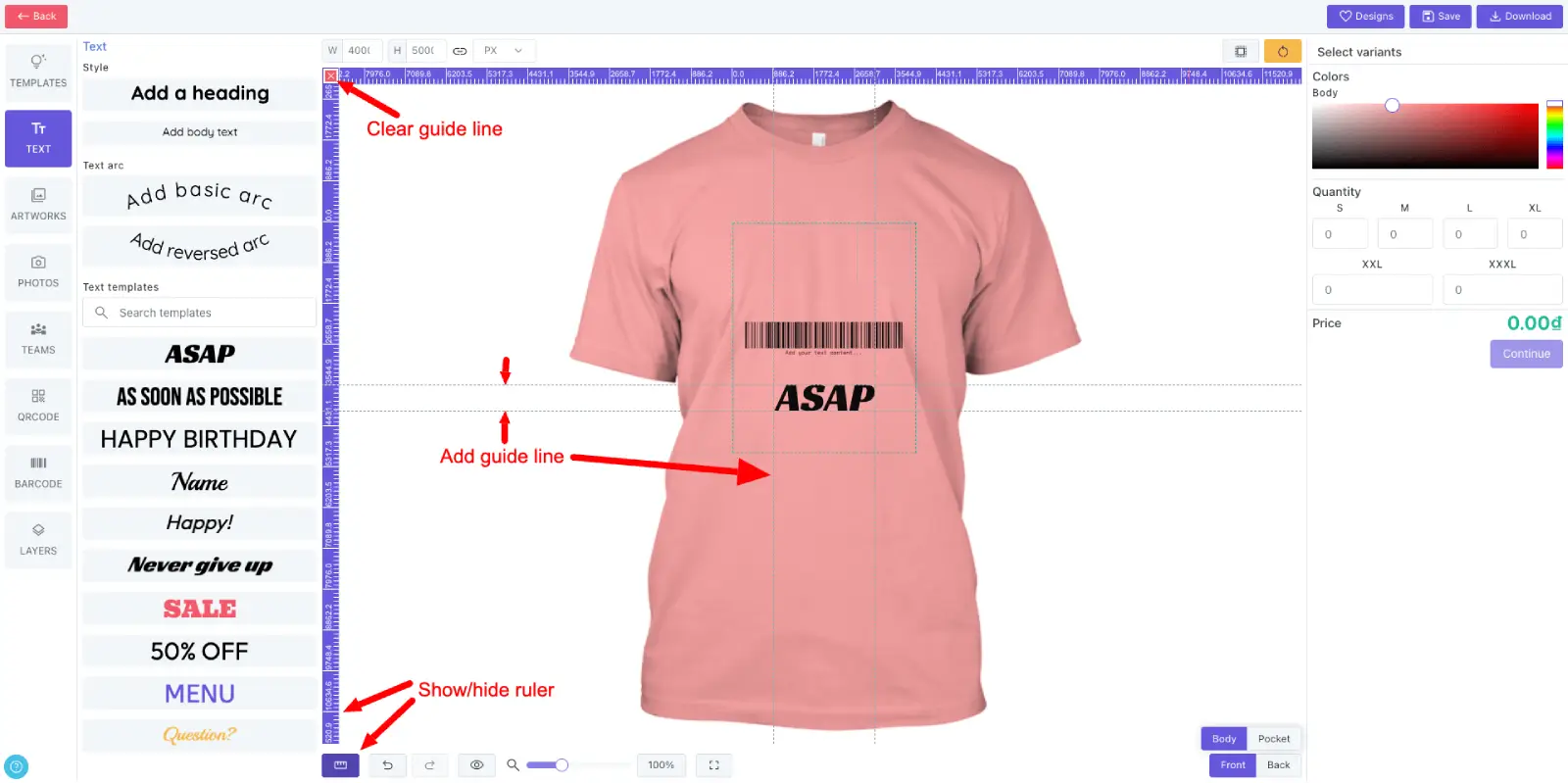
Ruler
Show or hide rulers to help customers align designs with more precision.
Add and remove guide lines while positioning artwork, text and photos.
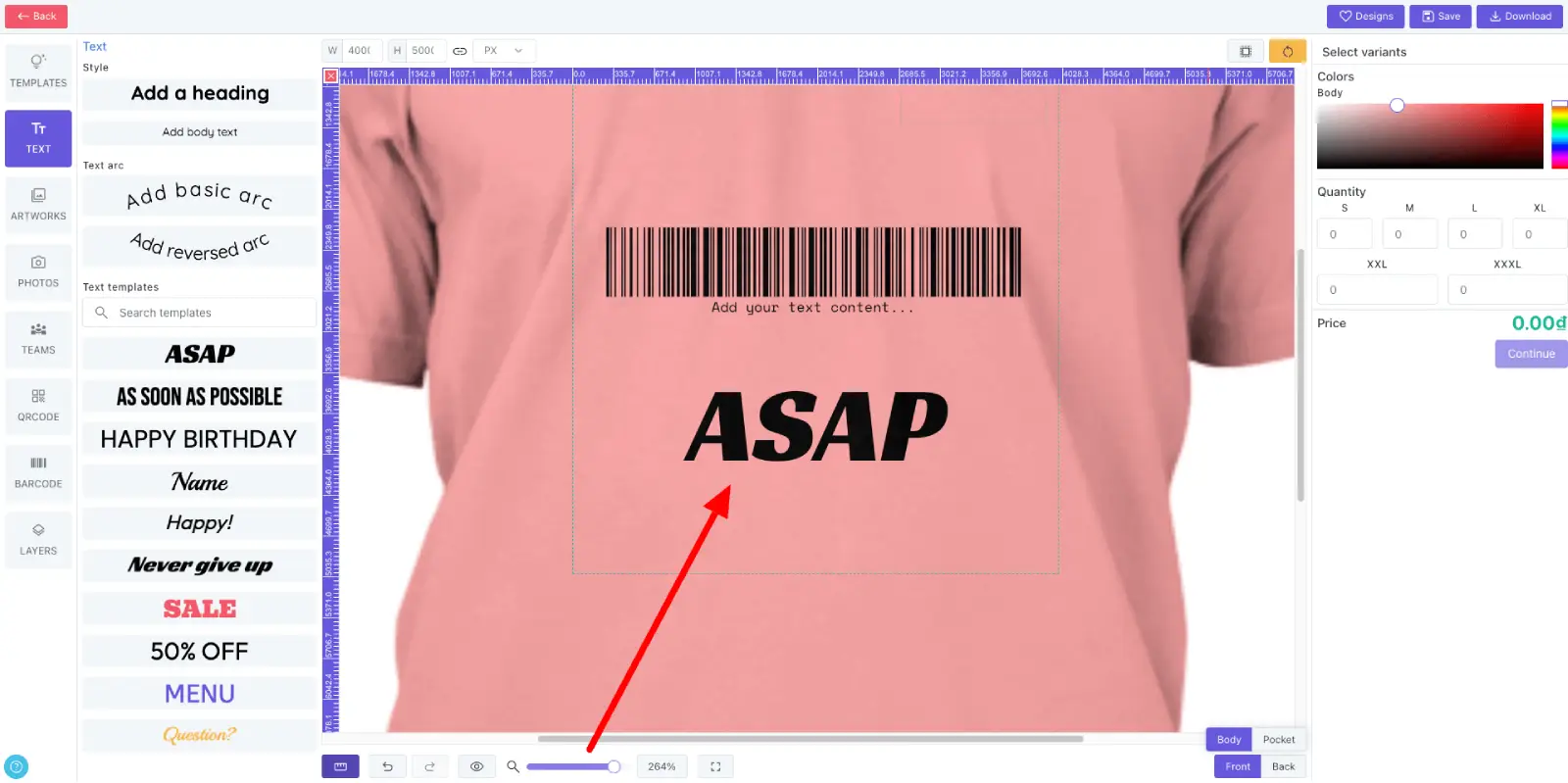
Zoom
Zoom in and out of the canvas so detailed edits stay comfortable on different screen sizes.
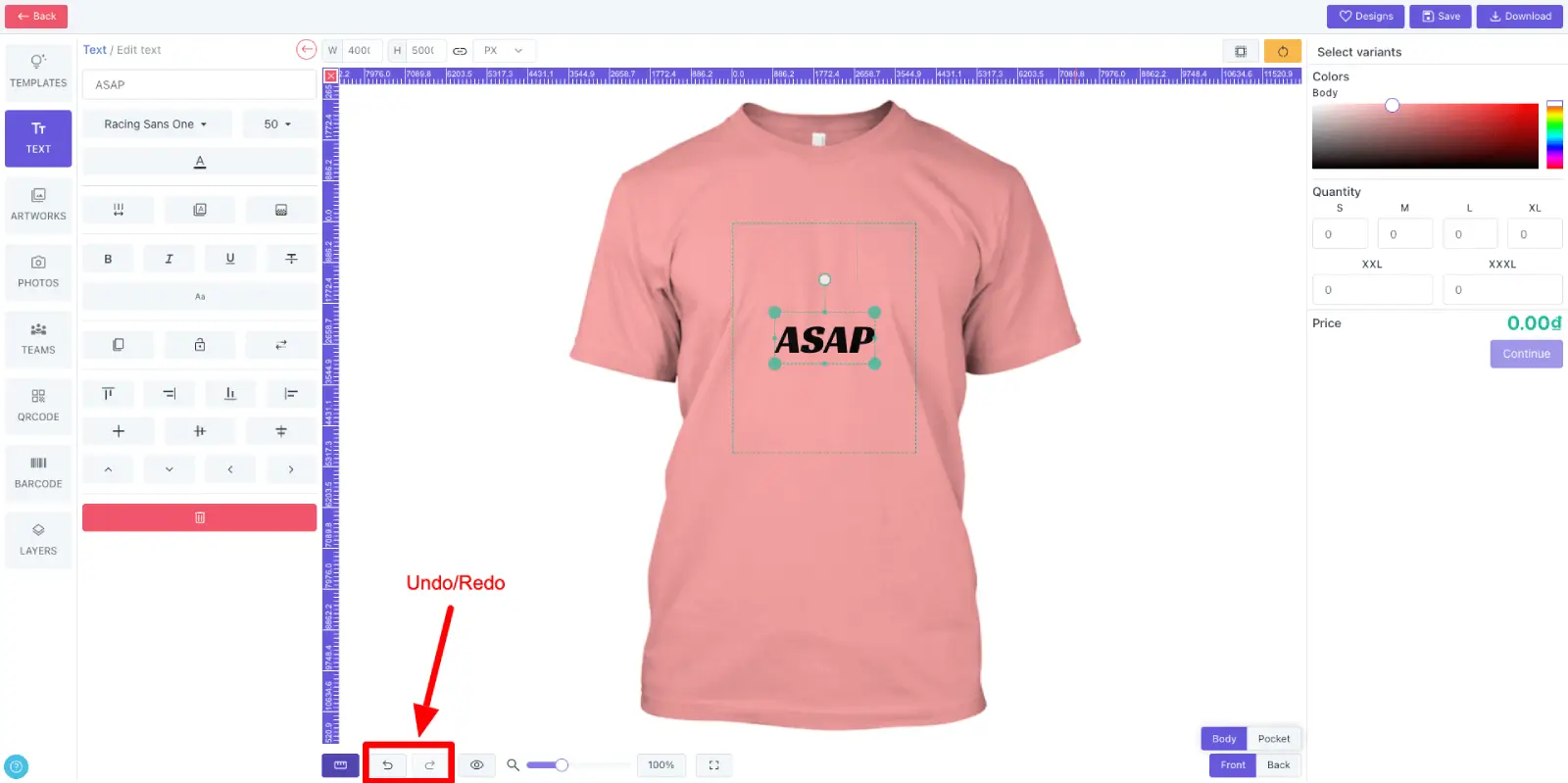
Undo/Redo
Give customers up to 30 undo/redo steps so they can explore ideas without losing work.
Hotkeys
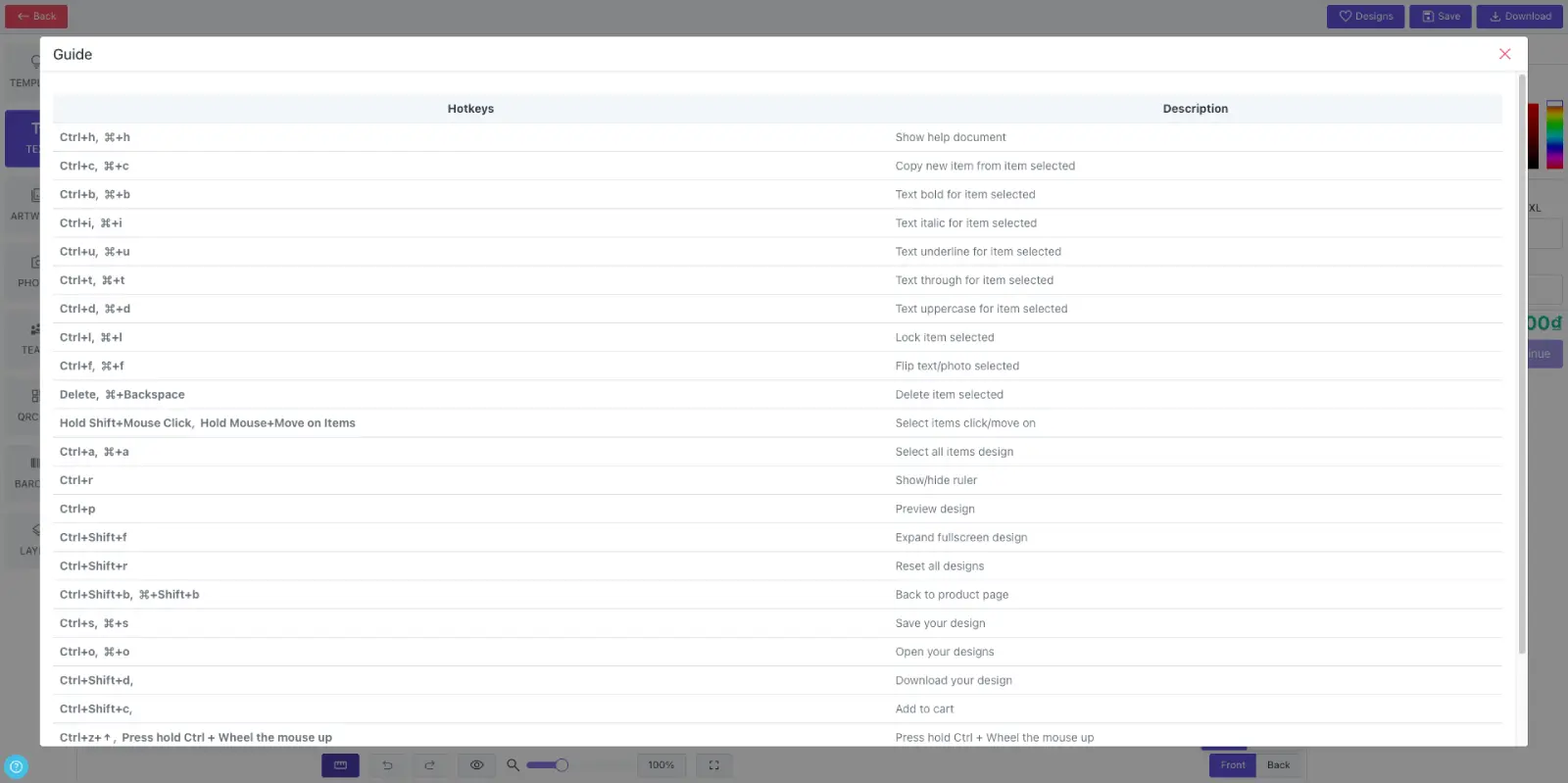
Support desktop keyboard shortcuts for faster editing, alignment and design control.