Dashboard
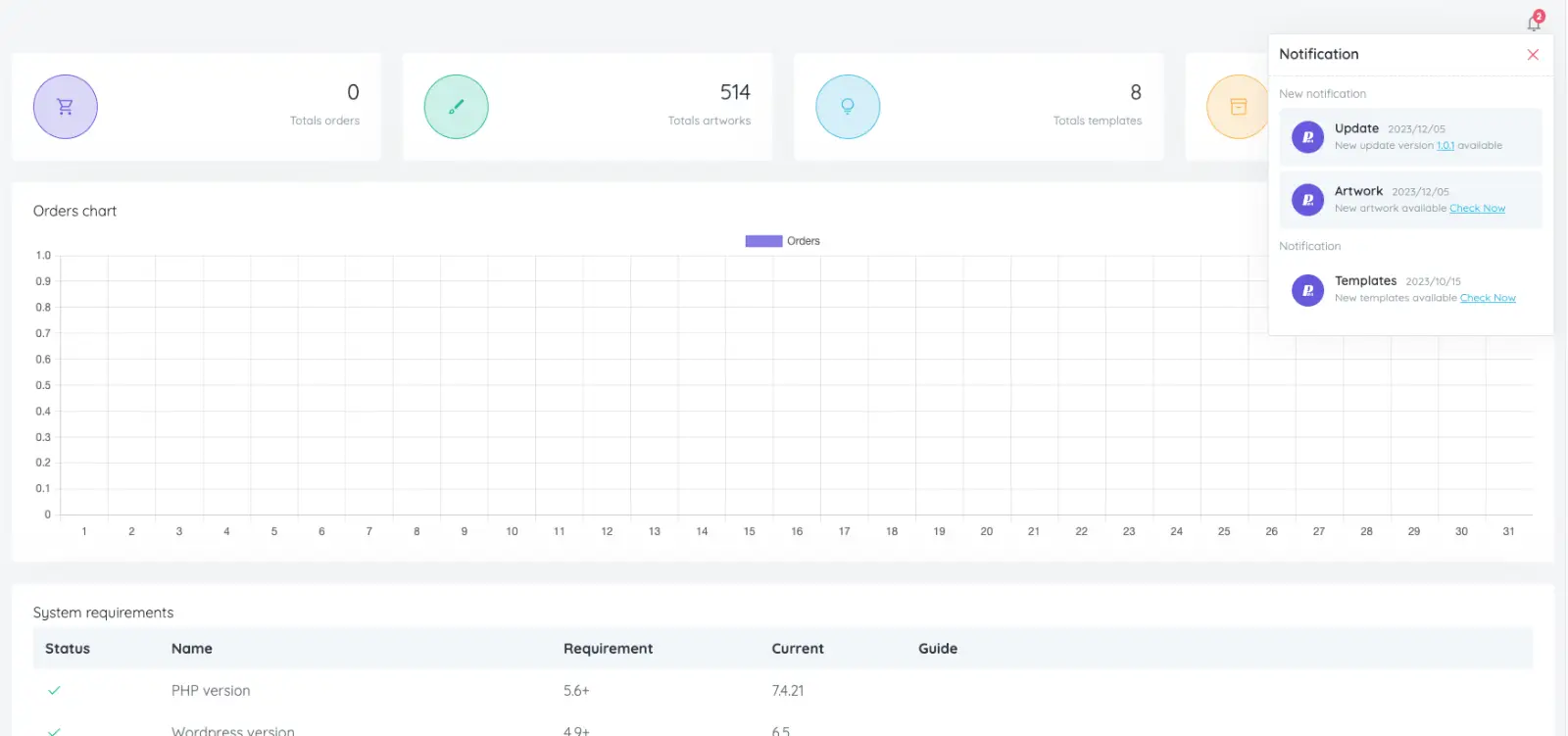
The dashboard gives store owners a clear overview of orders, artwork, templates, product bases and important system settings. It helps your team monitor the product designer workflow without digging through multiple admin screens.
Orders
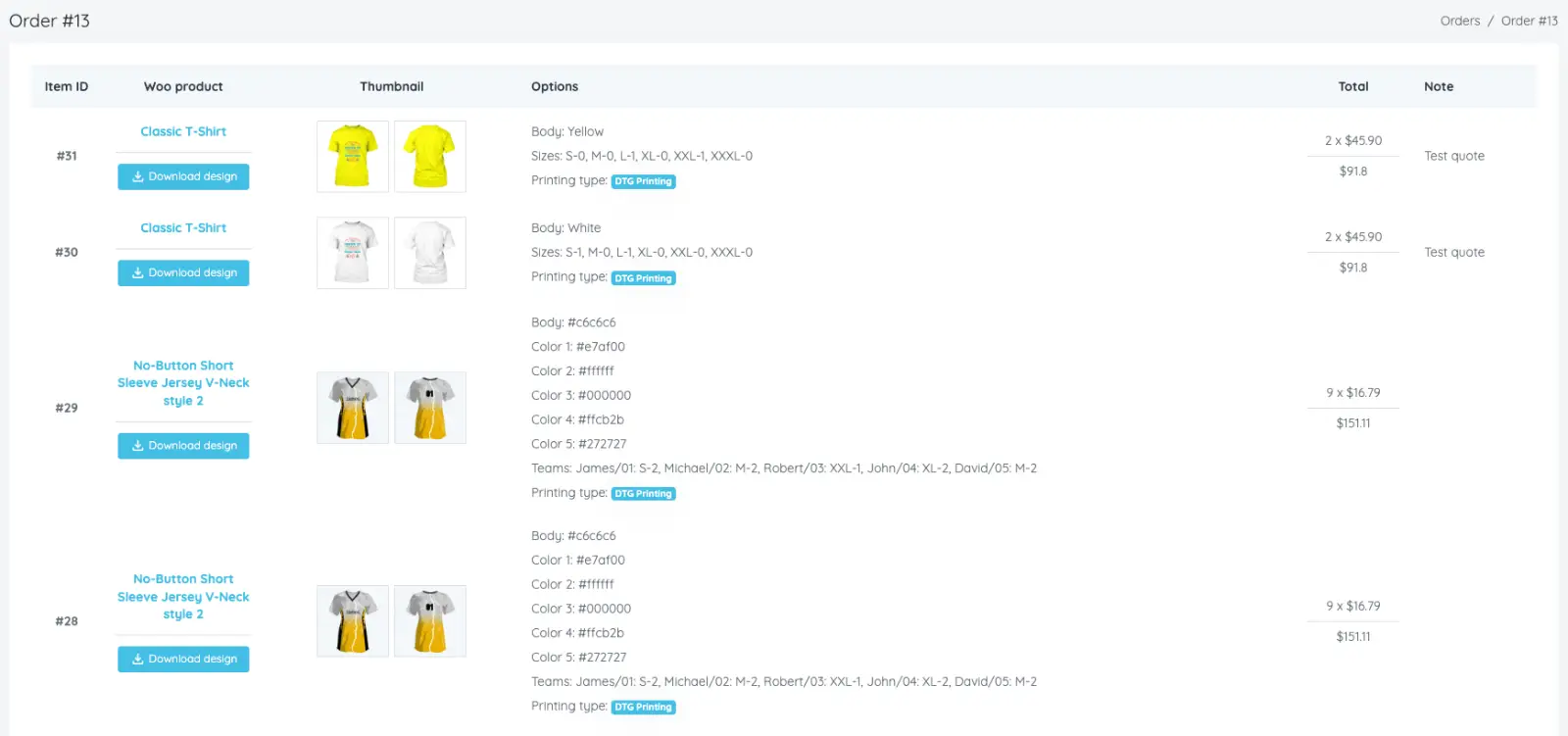
View personalization orders, open each order detail and download customer design files for production.
Export PDF, SVG and 300 DPI PNG files that match your product configuration.
Quote
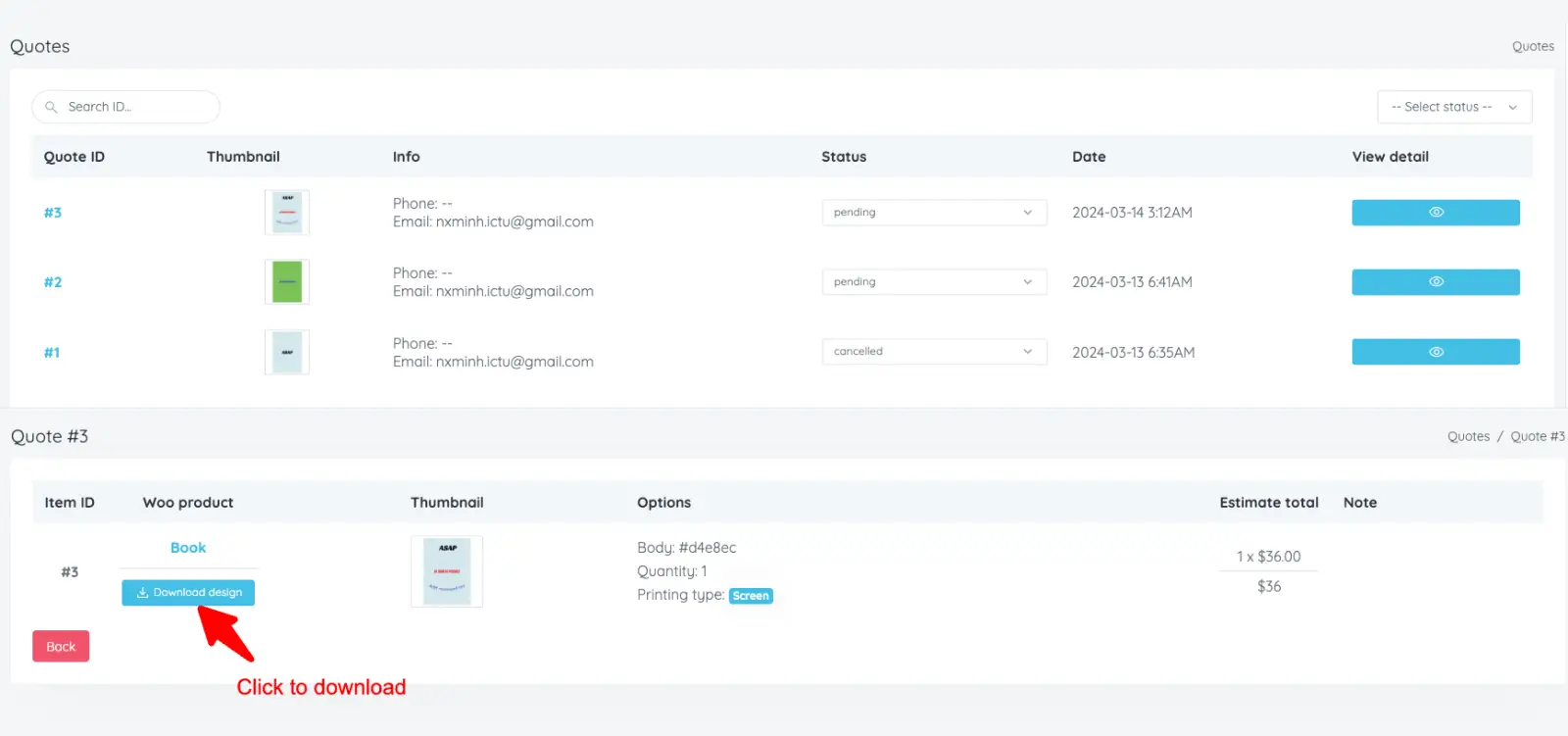
Review customer quote requests, inspect submitted designs and download print files before sending a final offer.
Use PDF, SVG and 300 DPI PNG exports for clear internal review and production handoff.
Update quote status after your team replies to the customer.
Product bases
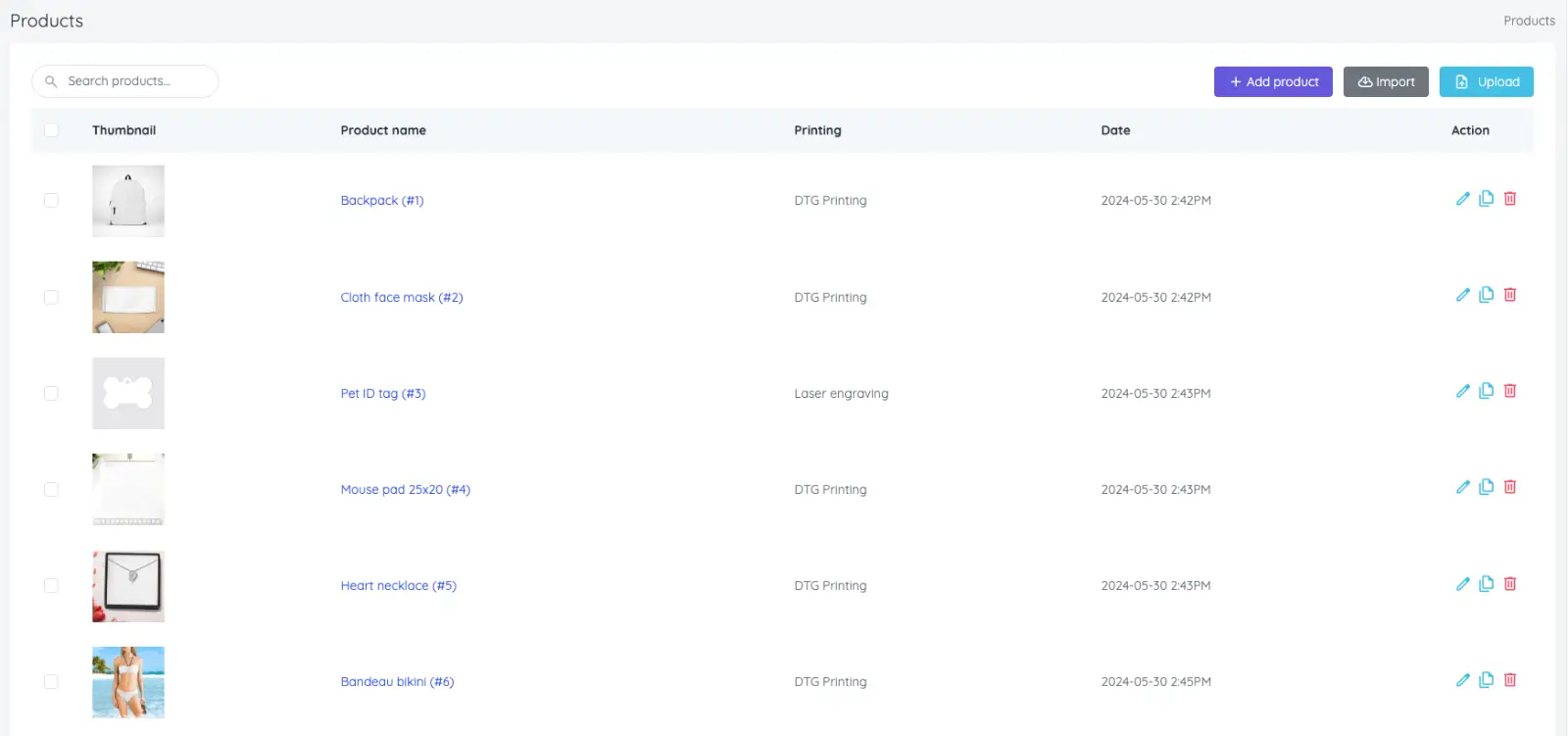
Product bases define the real product image, sides, colors and design areas customers can personalize.
Add, edit, search, remove, import or export product bases so your catalog stays easy to maintain.
Support multiple sides, multiple design areas and product colors for complex personalized products.
Configure quantity discounts, stock rules and layout behavior for each product base.
Artworks
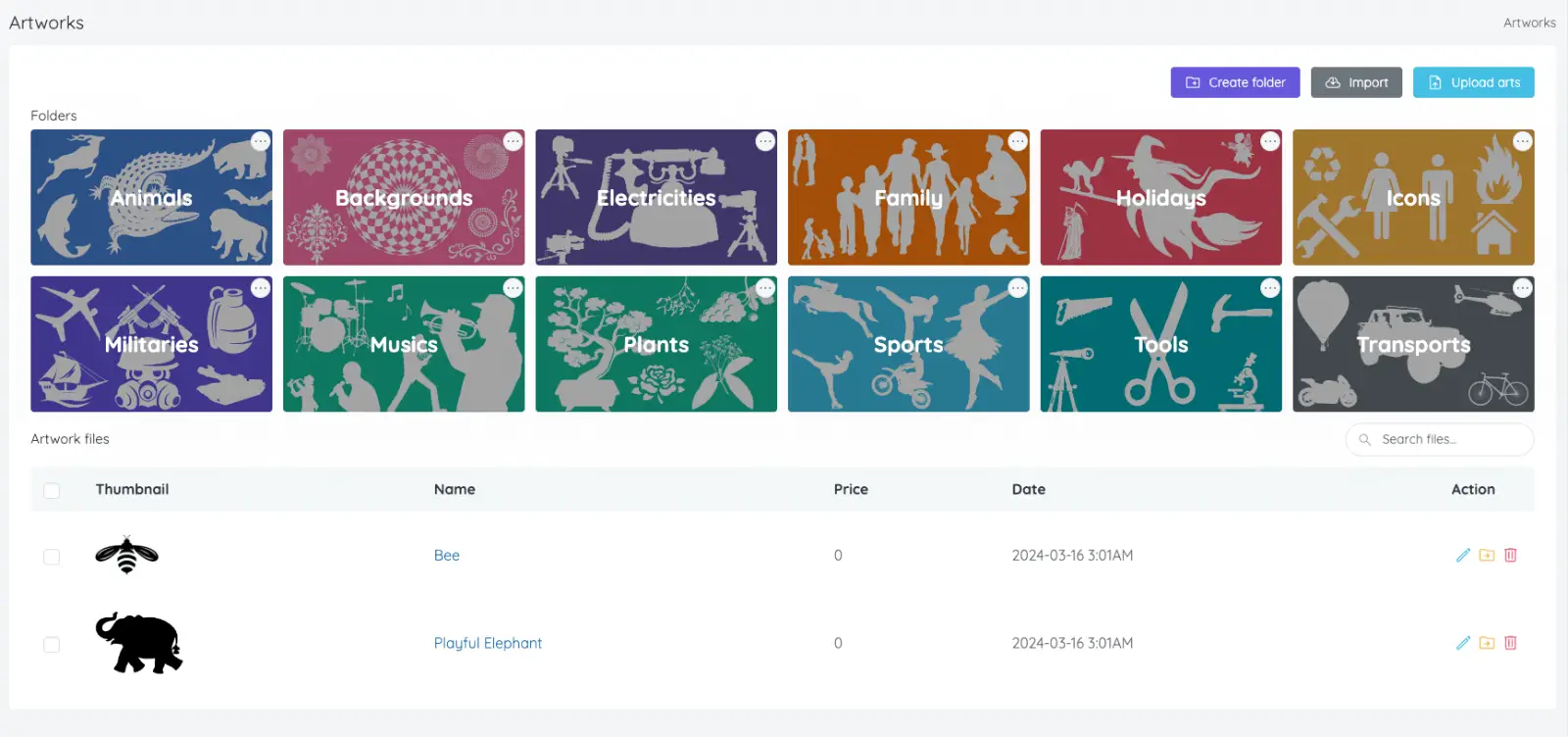
Upload PNG, JPG and SVG artwork files for customers to use inside the designer.
Organize artwork by category, edit details, move items and remove assets when needed.
Bulk upload files or import free artwork from the resource store to build your library faster.
Templates
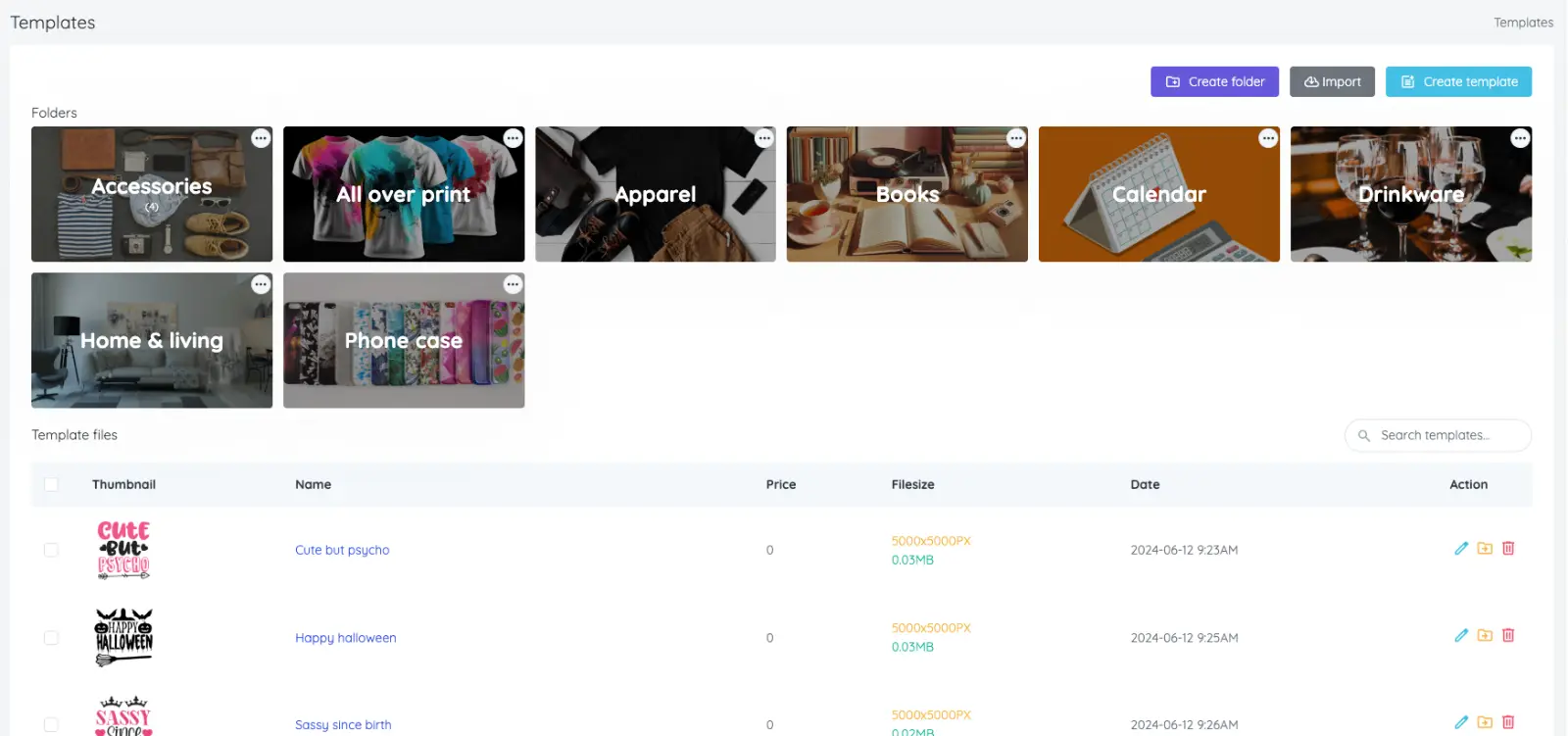
Create and manage design templates that help shoppers start from polished layouts instead of a blank canvas.
Export templates to files, import saved designs and reuse successful layouts across products.
Import free design templates from the resource store to speed up catalog setup.
Printing types
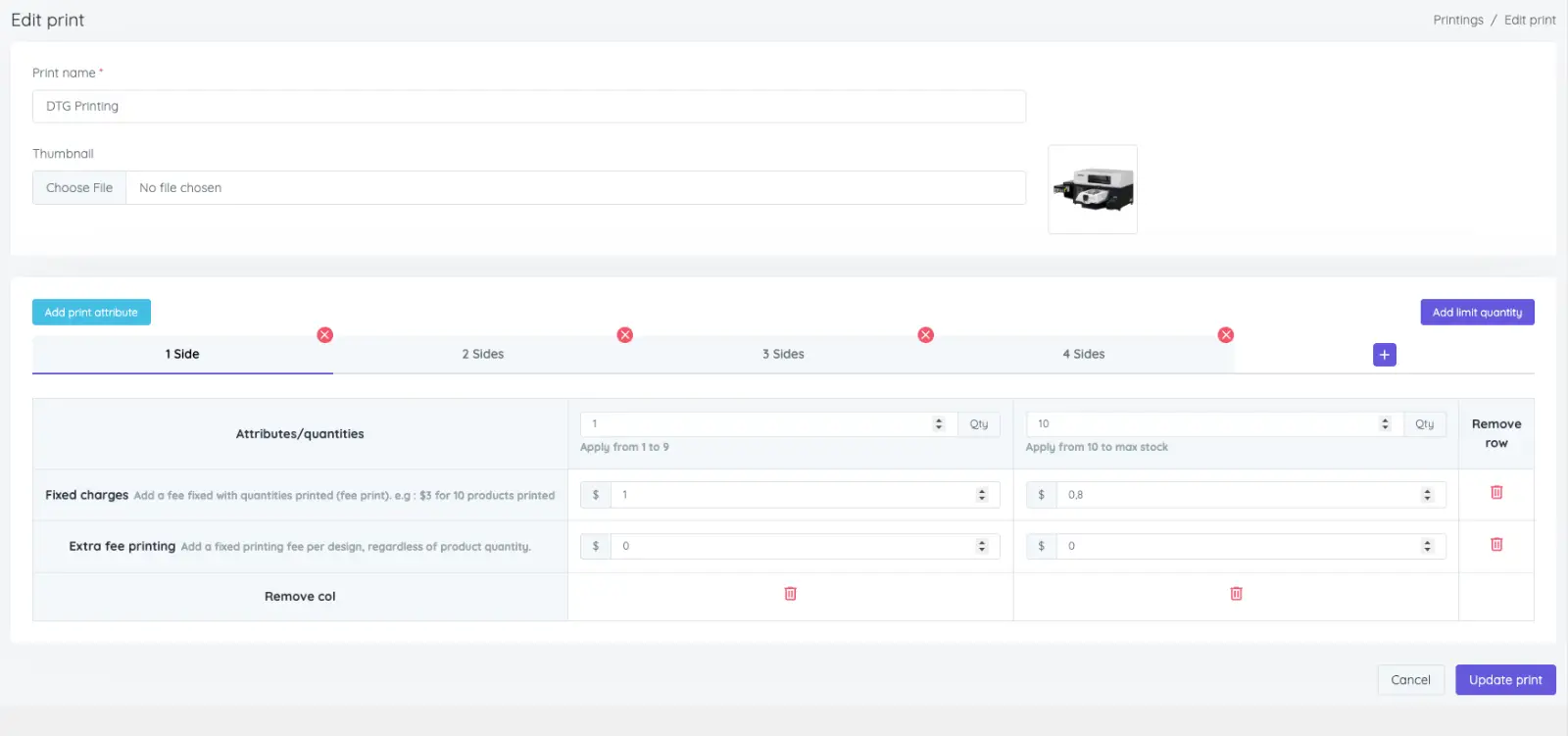
Create printing types for different production methods and pricing models.
Calculate prices by side, design area, selected colors, size, artwork elements and other rules.
Combine multiple calculation methods for one printing type when your workflow requires it.
Support quantity-based discounts for larger custom orders.
Themes
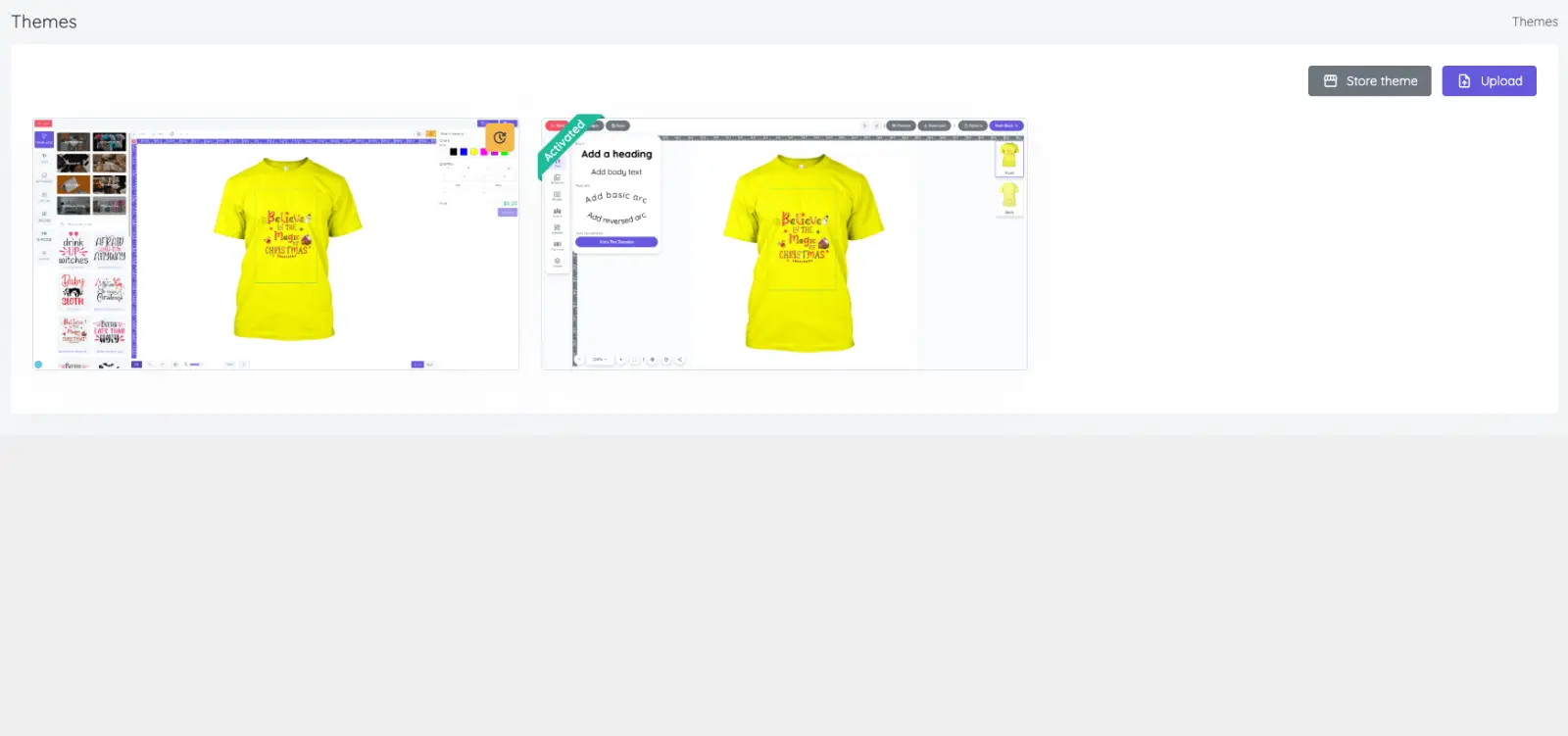
Install additional designer layouts from the store to match your storefront experience.
Activate or deactivate themes for different interface styles.
Update themes when new versions are available.
Customize CSS when your brand needs a more tailored appearance.
Settings
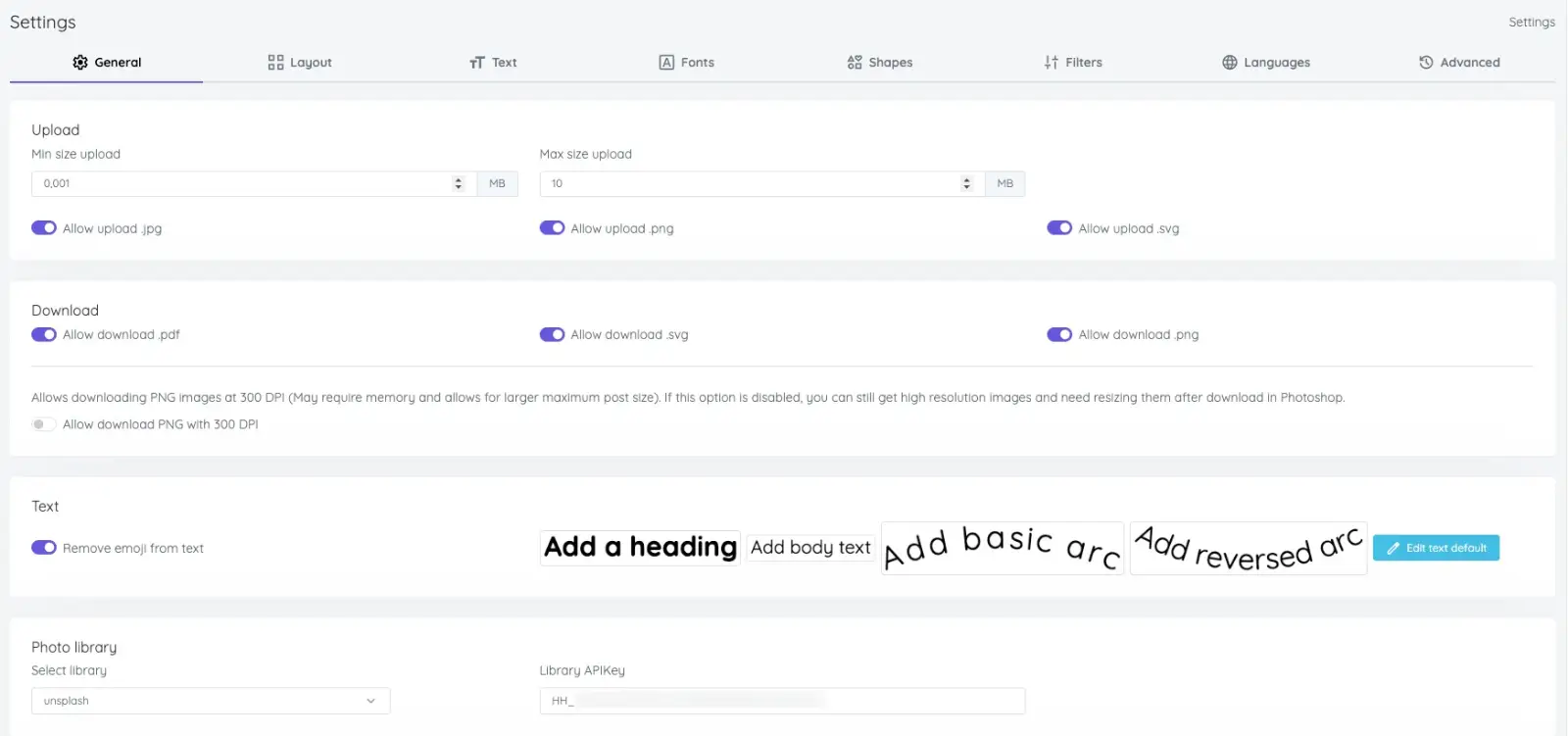
Configure uploads, downloads, text tools, photo settings, resource libraries and other designer behavior.
Show or hide individual functions so each product has the right editing experience.
Manage text presets, shapes, filters and font libraries.
Translate interface language and clear system cache when needed.
Upgrades
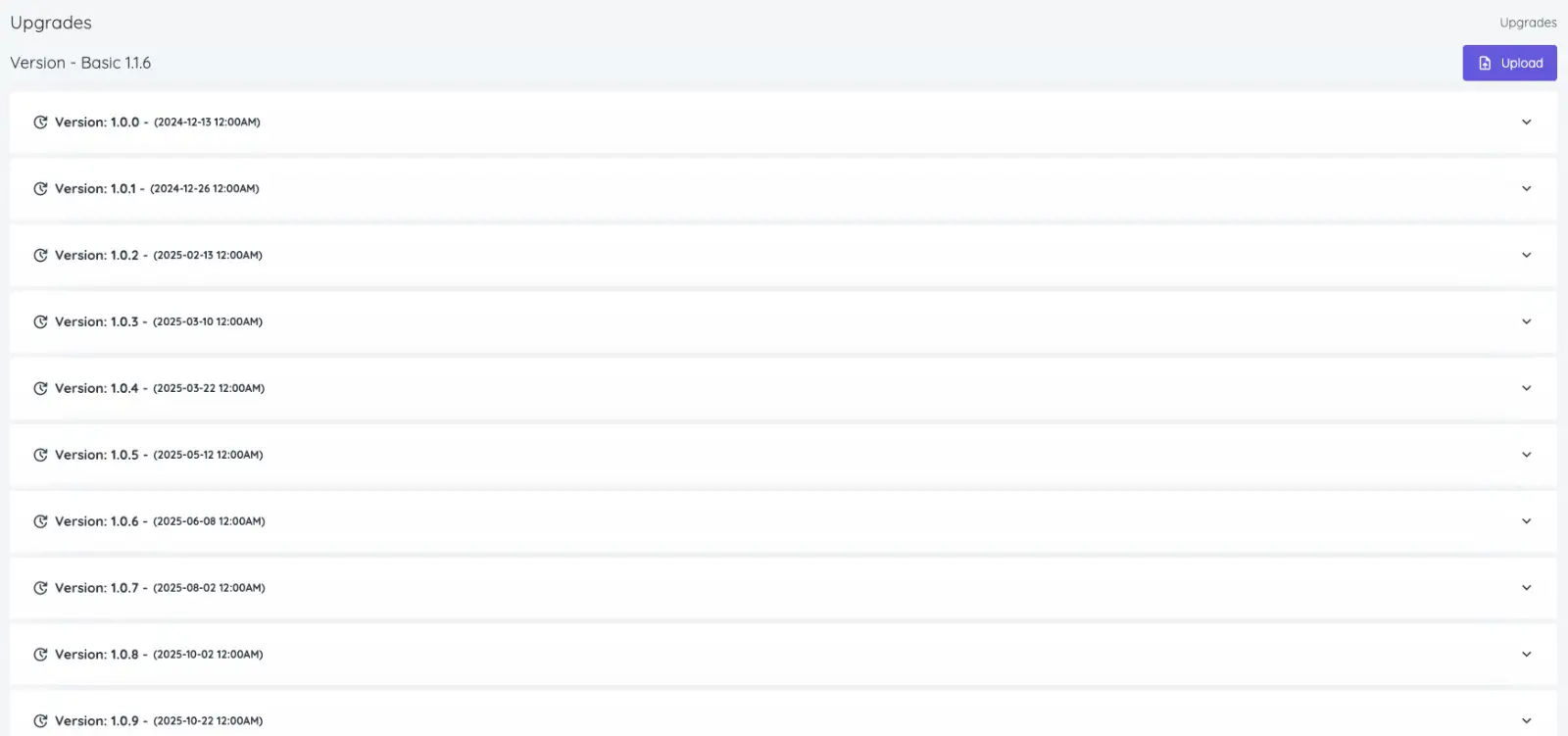
Update your plugin/module when a new version is available.
Review release notes before upgrading so your team understands what changed.